
Biz Huddle 2026  /  Kate Thomas

AI for your
Travel Biz

A hands-on playbook from Kate Thomas. Handing you my SOP builder, plug-in skills, and the workflows that actually save you time, all below. Grab what you need.

01.

Set up a Project

I'm giving you my SOP Builder. It'll live as a project in your AI account, the kind you actually open again, not the kind that ends up in a graveyard folder.

Copy the instructions below and paste them into a new Project in ChatGPT or Claude. That's the whole setup.

How to use it

Any time you need to document a new SOP, pop into this project and start a chat. It'll ask you questions and help you build the SOP.

02.

Install Skills

Steal two of my skills. Download each zip, then upload it into your ChatGPT or Claude account as a Skill.

To use, simply reference the skill in a chat. IE. Use the Restaurant skill, check Edinburgh fine dining.

03.

Operations Brain

AI (and humans) work best when you give them context. Point AI at the files and folders it needs. Obviously easier if your stuff is organized.

AI can help with that too. Connect it to where your business lives (Google Drive, Microsoft, Dropbox, whatever) and let it do a pass.

In browser

Connectors do the walking

Via connectors, AI can walk through your drive and hand you a plan to implement.

On desktop

CoWork or Codex

Point it directly at your drive and it can create the plan and move files for you.

Stating the obvious: never point AI at something you don't want it to have.

04.

Morning Briefing

Here's how you can set this up:

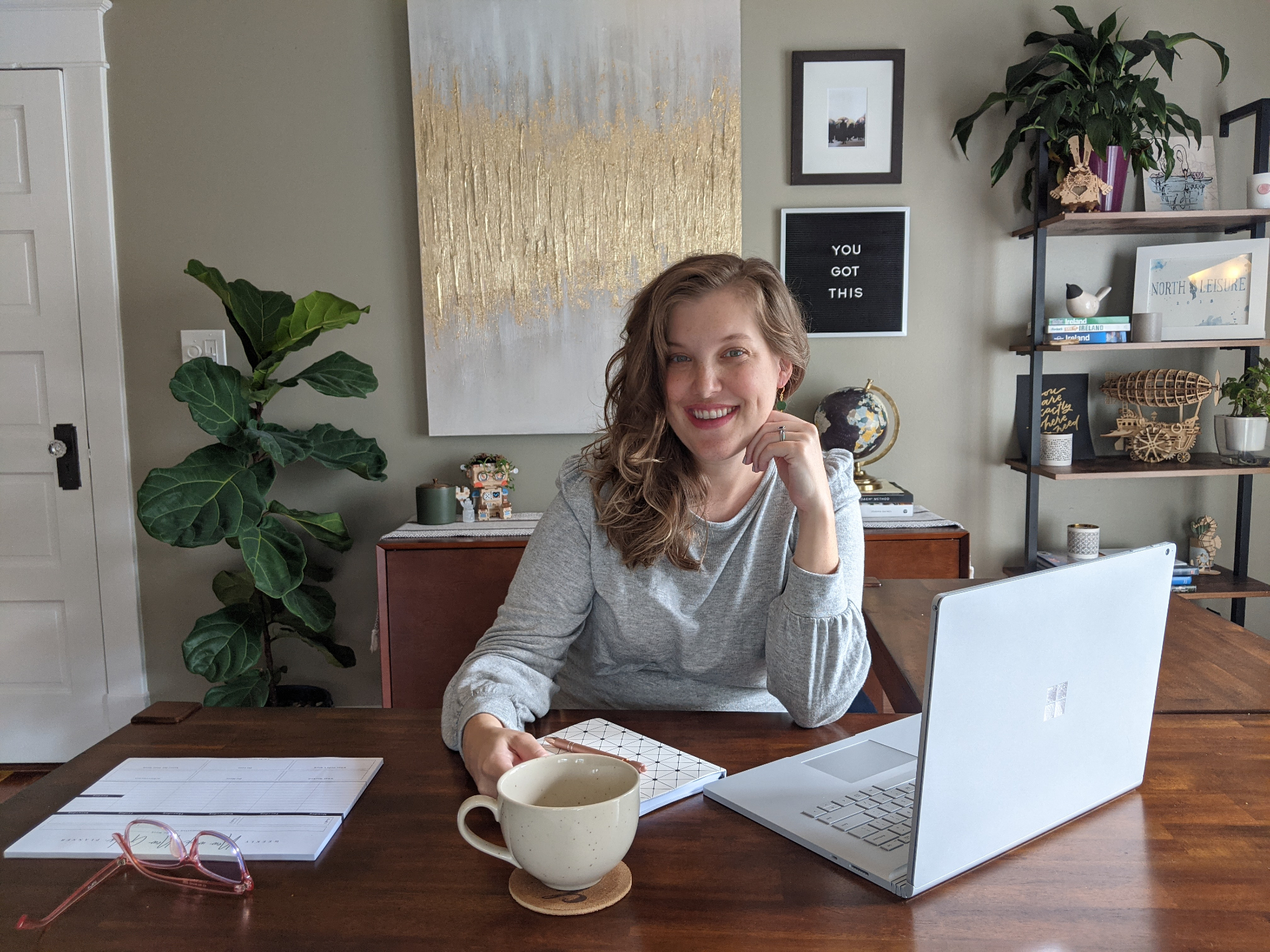
Kate Thomas at her desk
About Kate Thomas

DMC and AI nerd.

Kate runs two businesses side by side. Here's what each one does and how to get in touch.